All guidesSell
Agree a price with a customer
Settle a price once and have it applied by itself on every invoice for that customer.
- Steps
- 3 · About 2 min
- Who can do this
- Owner · Manager · Team member
- Needs the module
- Sell
Before you start
Some customers have their own price. The wholesaler who takes ten pallets a month does not pay the counter price, and nobody wants to remember that on every invoice.
Set it once here and Horizon213 applies it automatically, telling you on the invoice that it has done so. Leave a product out and that customer simply pays the catalogue price.
Choose the customer
Sales → Agreed prices, pick the customer, and press Show.
Prices are per customer and per product. There is no price list, no customer group, no tier — just the specific agreements you have actually made.
Set the price
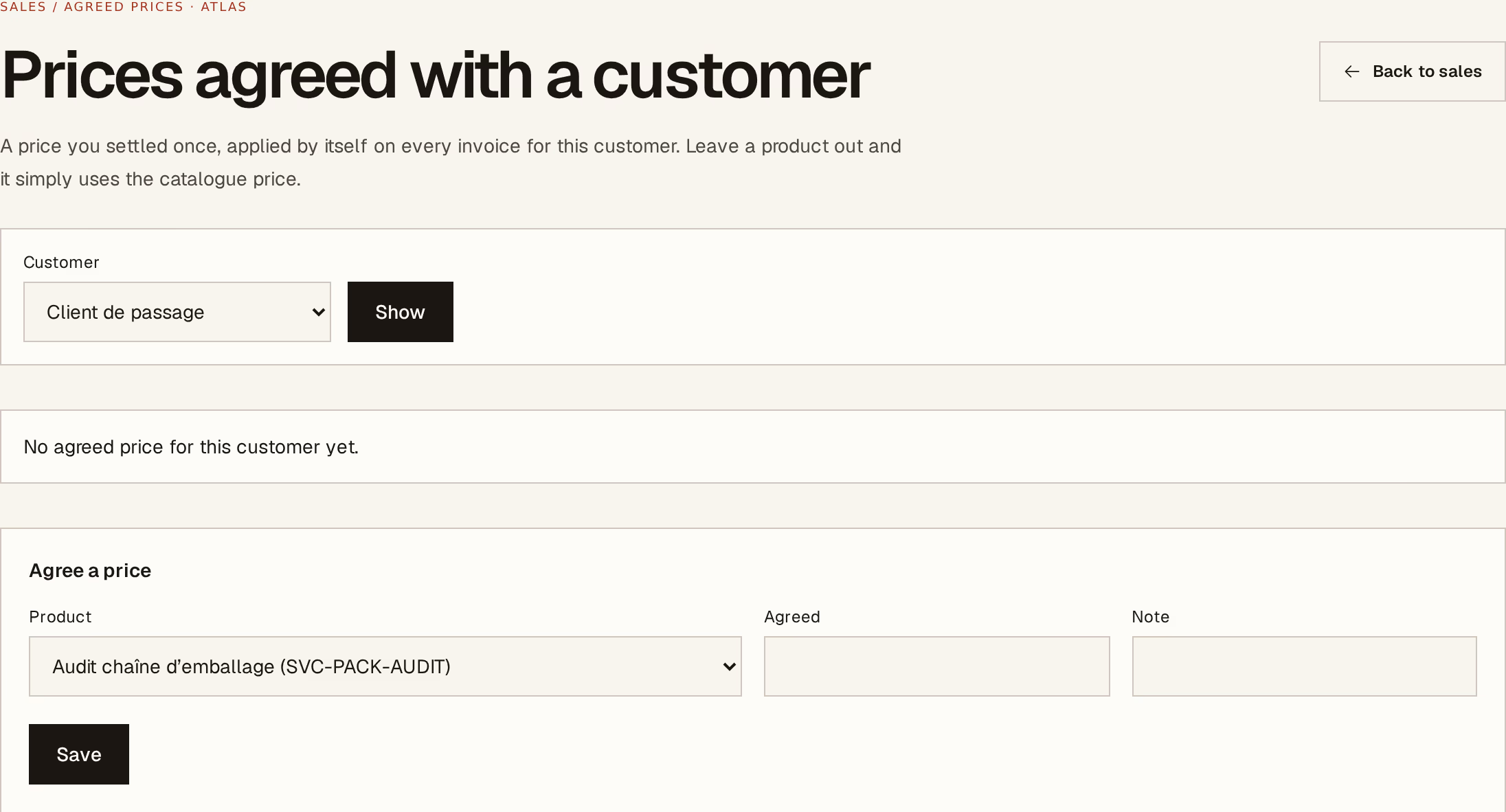
What to look at:
Product — the item this agreement covers.
Agreed price — what this customer pays per unit. Horizon213 shows how it compares to your catalogue price, so an agreement that has drifted below cost is visible rather than buried.
Note — why. "Ten-pallet monthly commitment, agreed March with Karim" is what you will want in a year when the customer says the price should be lower.
Save records it.
Repeat for each product that has its own price. Remove takes an agreement back off, and the customer returns to the catalogue price from the next invoice.
What happens on an invoice
Choose that customer, add that product, and the agreed price fills in on its own — with a note beside it saying it is below or above the catalogue price, so whoever is invoicing knows the number was deliberate rather than mistyped.
It applies to quotations too, which is what stops a quotation and the invoice that follows it disagreeing.
An agreed price is not a discount percentage — it is the price. That means it does not move when your catalogue price does. Review these when your costs change: an agreement made two years ago at what was then a fair margin may be selling at a loss today, and nothing will tell you except the comparison on this screen.