All guidesPeople & HR
Decide a leave request
Approve, refuse, or cancel leave that was already approved — each with the reason attached.
- Steps
- 3 · About 2 min
- Who can do this
- Owner · Manager
- Needs the module
- People & HR
Before you start
A leave request sits in one of three states: waiting, approved, or refused. The person who decides is a manager, and every decision carries a reason that stays with the request.
People, in the leave and absences block.
Decide, or undo a decision
A request still waiting offers approve and refuse. One that has already been approved offers something different: the chance to take it back.
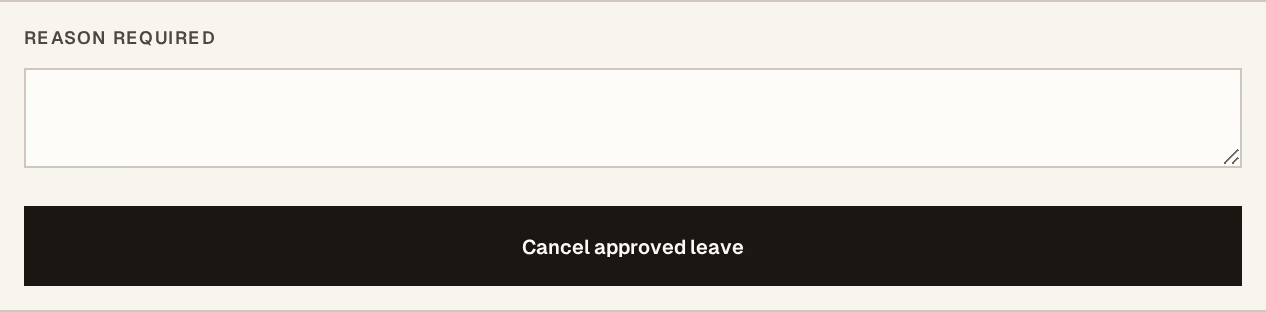
What to look at:
Reason — required, and kept against the request. Write it for the person affected, because they will see it: cover already arranged, clashes with stocktake, approved in error, the dates were wrong.
The decision — one press, and the request moves state.
There is no silent decision. A refusal without a reason is not offered, which saves the conversation that starts with "why?".
Cancelling leave that was already approved
This is the one worth knowing exists. Plans change on both sides — an order lands, a person changes their mind, the dates turn out to be wrong.
Cancelling an approved absence puts the days back and leaves the original request visible with the reason you gave. Nothing is deleted, so the record still shows that leave was asked for, granted, and then withdrawn — which is what somebody looking back will want to know.
Why the reason matters more than it looks
Leave decisions are the part of an ERP people argue about, months later, from memory. A reason typed at the moment costs ten seconds and settles it.
It also matters when leave touches pay. If an absence affects what somebody is paid, the reason recorded here is what explains the figure when you run that month.
Deciding leave is a manager's job. Anyone can ask for leave for themselves; only a manager approves, refuses, or takes an approval back.
Next, you might want to
- Plan an absence and approve leaveRecord who is away and when, get the overlap checked, and approve or decline the request.
- Add an employeeCreate the record that leave, payroll and payslips all hang off.
- Run a payroll monthPrepare the month, adjust what needs adjusting, then post and pay in one operation.